
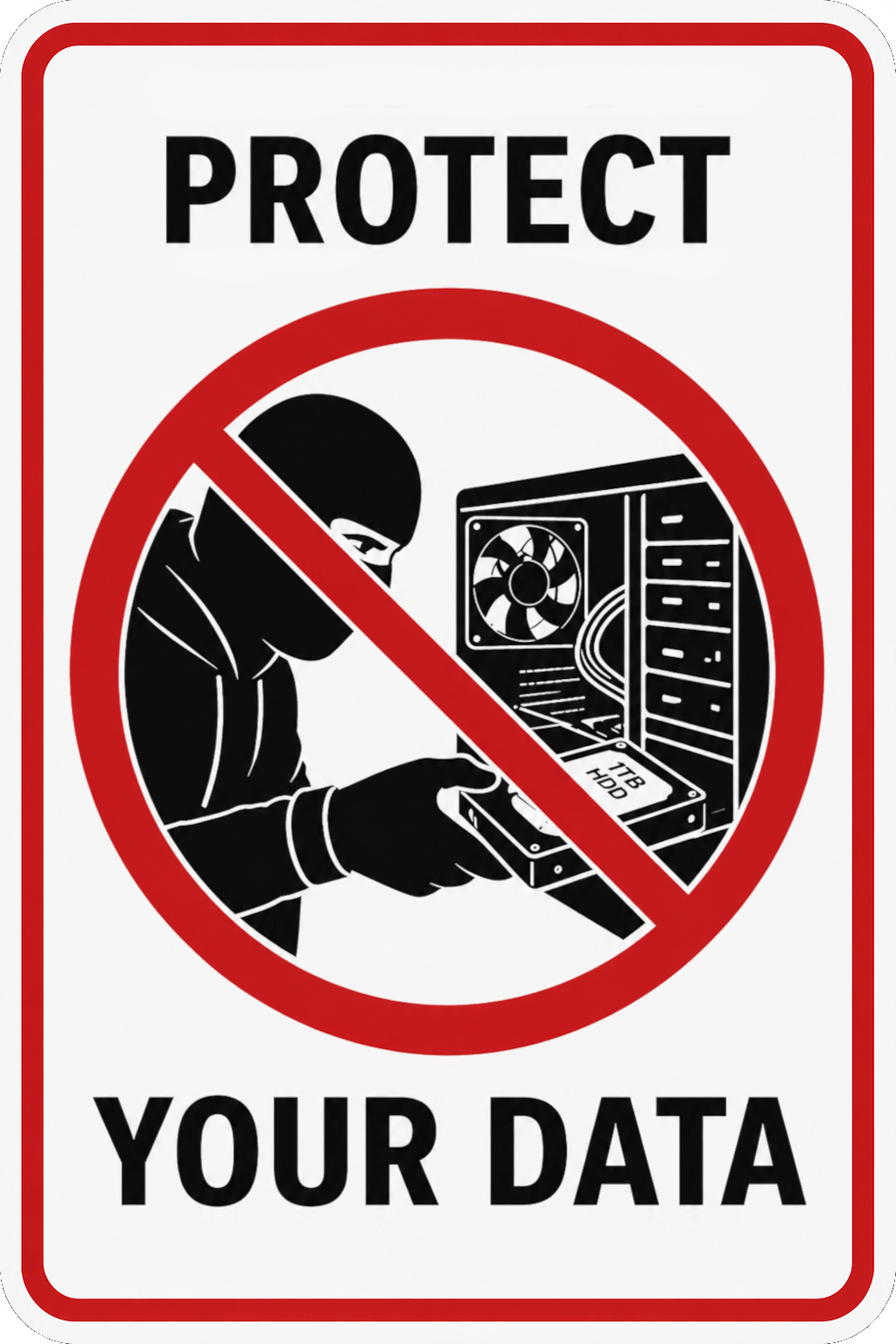
When you see the phrase “Protect your data”, what does that mean to you?
Probably passwords and encryption which are correct answers. The problem is many people don’t do any of that or they just do the password only. If your computer is in a secure location at work or at home, a password may be OK. However, what happens when somebody else has physical access to the hardware?
Now that can be a problem. Most thieves will just take the hardware and pawn it, some stupider ones may take it home and use it as is, where you or law enforcement may track them. But the ones that pawn it, the computer may wind up in the hands of someone who knows the real valuable stuff is hidden inside – your data. Some savvier ones might be able to remove your password or circumvent the OS all together to access the data within.
I hate to admit it, Microsoft has a point for automatically setting up Bitlocker on your device. Where I have a problem with them is not informing the user that they are encrypting the data and without asking. Also, if you have a Microsoft account, they keep a copy of the encryption key so that three letter agencies and the police can access your stuff without your approval or knowledge. If you don’t use Microsoft cloud service, then you’er screwed for accessing your data if you forget/lose your password.
At least with Linux, it usually offers the option of encryption at setup. It may also offer auto login so that you don’t need your password to access your computer (not recommended though). If you don’t encrypt your drive, that’s your choice, and now you know the risks if you don’t. If you do choose to encrypt your drive, you need to never lose/forget your password and know where your encryption key copies are and that they are in a safe location. If you don’t have your password or keys, you or anyone else are not getting your data – ever!
So you may be wondering what brought on this topic all of a sudden, and the answer is how many computers I see at a pawn shop or thrift store with all the previous owner’s data still on it. Some are password protected, most are not encrypted. As stated earlier, if it is not encrypted, somebody like me can access it easily if wanted to. Because I’m an honest person, if I become in possession of such a device, I just erase it and install Linux on it – problem solved. However, not everybody who buys a used computer will be like me.
What to do when it time to sell or donate your computer?
It goes without saying, back up your files to an external drive and/or cloud service (doesn’t have to be Microsoft). Windows does now have a reset your PC option and asks if you want to preserve or erase your data. If you have an older copy of windows without this feature there are other utilities out there that can erase (not just delete) files for you.
Note: Deleting files does not erase them, it just removes the index to them. Like throwing away a contact card from a card file, you may no longer know how to reach that person, but that person continues to exist.
If you are familiar with computer hardware, another option is you could just remove the drive, however that makes the computer less useful for the next person to acquire it.
The best option is to install Linux on it. I recommend Linux Mint, it works on any PC with Windows 7, 8, or 10 on it and offers erasing the drive before installation. Now the computer has a fresh OS on it for the next person and none of your data. If you are not comfortable doing this, there are people/companies willing to do this for you. If in the Thunder Bay, ON area, PCsavant can do this for you. Free if donating your computer.
Now to address the other extreme, destruction of the hardware. As mentioned in the previous article, all it does is generate e-waste and deprive people of access to hardware they could really use. Again, if you erase the storage drive, no data can be recovered. Physical destruction of hardware is wasteful and unnecessary. Unless you think someone is going to surface analyze your hard drive platters in a class 100 clean room or uncap the memory chips in an SSD and read it with an electron microscope and even then SSD stores the data encrypted. When you format/erase an SSD, it erases the encryption key, you or anyone else is not getting that data back. So unless your data is of interest to an adversary foreign government willing to go to those extremes, I think your data is gone for good and safe to hand your computer to the next person.
If your a company or a private individual, please consider the alternative to e-waste, and give that computer a new life with a person that can use it.